
How-to
How to keep grandparents in the loop without sharing everything
Keeping grandparents updated doesn't require giving them access to your household's budget, private notes, or every calendar entry — the two goals aren't actually linked. A separate group that only overlaps through the people in it, rather than one shared account or calendar with everyone added, lets you share milestones, photos, and select plans while your household's more sensitive information stays where it is. The setup that works is separation by group, not by remembering to hide specific items.
Key takeaway: Use a separate group, not a filtered view of your main household.
Why "just add them to the family calendar" overshares
The simplest-seeming option — add grandparents to your household's shared calendar or main group — usually means they now see everything: budget-related events, private appointments, anything logged for the household generally. Most families don't actually want that; they want grandparents to see the birthday party and the school play, not every entry in the shared system. The problem isn't grandparents being untrustworthy — it's that a single shared space doesn't have a way to show some things and not others without constant manual filtering, which nobody keeps up with for long.
A separate group that shares people, not data
The structural fix is a separate group for extended family — sometimes called a circle or clan — that exists alongside your household rather than inside it. The two groups overlap only through the people who are in both: a parent might be in the household and in the grandparent circle, but the household's other content (budget, private notes, unrelated calendar items) doesn't automatically flow into the circle just because a person belongs to both. This is a meaningfully different model from adding someone to your main account with reduced permissions — it's two separate spaces that a person can be a member of, not one space with visibility rules layered on top.
What's worth sharing with grandparents (and what isn't)
Once the structure is separate, deciding what to actually share gets simpler:
- Worth sharing: milestones (first steps, first day of school), photos, key dates and events grandparents would want to attend, and general updates on how the kids are doing.
- Usually not worth sharing: household budget and expenses, private notes between parents, unrelated scheduling detail (a dentist appointment, a work commitment) that doesn't concern them.
The list isn't universal — some families genuinely want grandparents more involved in day-to-day logistics — but a separate group makes it a deliberate choice rather than a default.
Long-distance caregiving: staying informed without taking over
For grandparents living farther away, or those helping care for an ageing parent themselves, the same separation principle extends further. Long-distance caregiving guidance commonly recommends practical steps like meeting a parent's neighbours and getting their contact information, gathering copies of insurance cards and medical history in one place, and setting a specific day and time each week for a video call — structure that keeps everyone informed without anyone needing to take over day-to-day decisions in person. A shared, separate group for this kind of coordination works the same way it does for grandparents generally: informed without merged.
How Kinrows helps
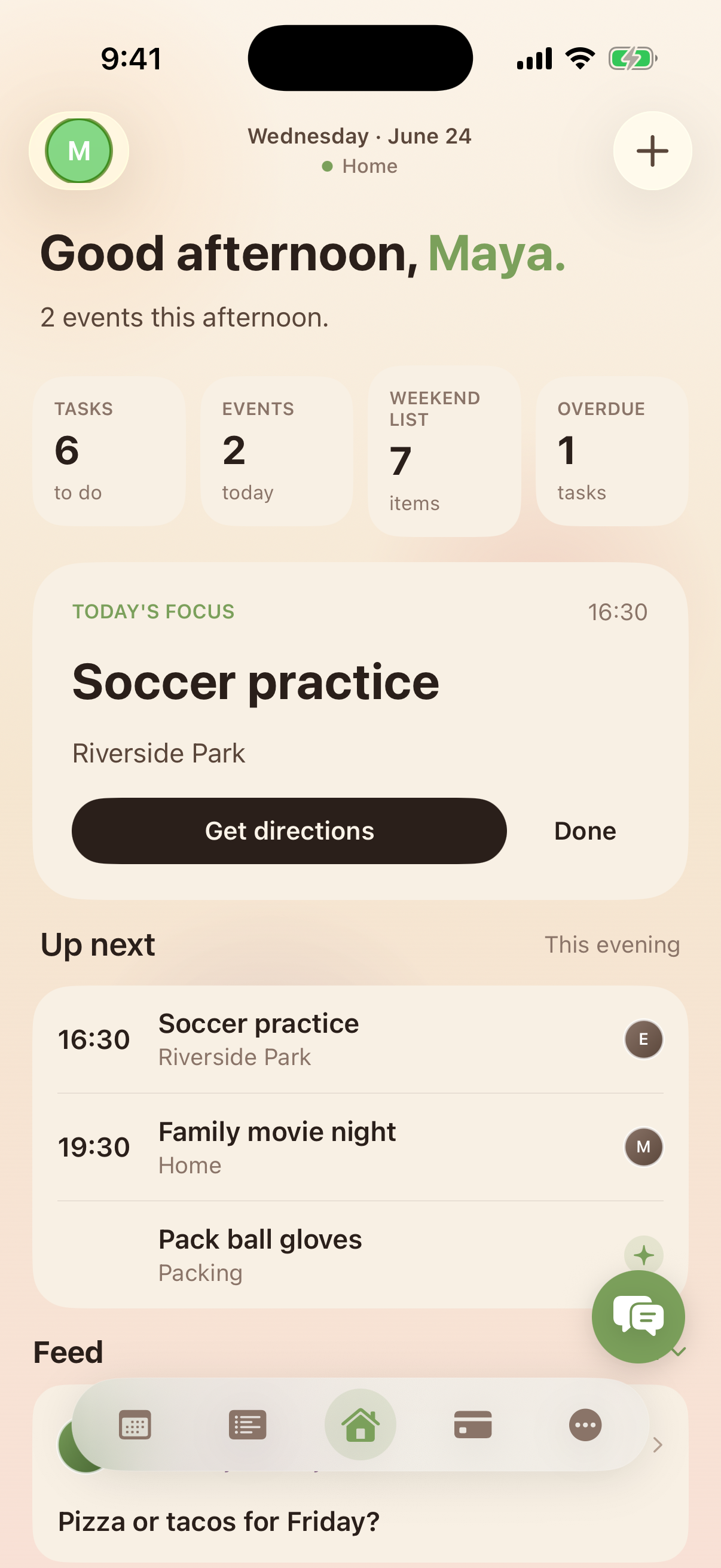
Kinrows separates households from clans — unlimited, separate groups for extended family or friends, joined by invite code, that overlap only through shared members. A grandparent added to a clan sees that clan's own feed, photos, and shared plans, not your household's budget or private notes, because those live in a different group entirely rather than being hidden by a permission setting. People profiles and milestone logging give grandparents an easy way to follow along on the specific updates that matter to them. The boundary is structural — separate groups — rather than a setting that has to be configured correctly and kept that way.
Frequently asked questions
How do I keep grandparents updated without giving them access to everything?
Use a separate group for extended family rather than adding them to your main household — one built so the two groups only overlap through shared members, not through shared data. That way milestones, photos, and plans can be shared deliberately, while budget, private notes, and unrelated household content stay in the household group.
Is there a way to have a separate group for extended family?
Yes — look for a family organizer with a distinct concept for extended-family or friend groups (sometimes called circles or clans) that exists alongside, not inside, your main household account, so it can be joined by invite code without merging the two spaces' other content.
What should I share with a long-distance grandparent vs. keep private?
Milestones, photos, and key dates they'd want to know about are generally worth sharing. Household budget, private notes, and day-to-day scheduling that doesn't involve them usually isn't. For caregiving specifically, practical information like emergency contacts and a regular check-in call matters more than access to every household detail.