
How-to
What to do when a family calendar app deletes your events
If a calendar app has wiped your shared events, first check whether anything survives outside the app itself — your phone's own calendar, email confirmations for anything you booked, or a linked Google or iCloud account — before assuming everything is gone. Once you've recovered what you can, the longer-term fix is choosing a replacement that treats your phone's built-in calendar as a second, independent copy of your events through two-way sync, rather than one private database only the app controls.
Key takeaway: Check every copy that exists outside the app before you assume the data is gone.
What to check first (device calendar, email confirmations, a linked account)
Before doing anything else, look for copies of your events that live outside the app that failed you:
- Your phone's own built-in calendar app, if the failed app ever wrote events there directly rather than only in its own database.
- Email confirmations for anything booked online — appointments, flights, reservations — which usually still exist even if the calendar entry doesn't.
- A linked Google, iCloud, or Outlook account, if the app was reading from one of those rather than storing everything itself.
- Any household member's phone that might not have synced the deletion yet, if the wipe hasn't fully propagated.
This is worth doing thoroughly before you conclude the data is unrecoverable — a surprising amount of it often survives somewhere the app itself doesn't control.
Why this kind of data loss happens
This isn't a rare, isolated bug. TimeTree reviewers describe near-identical experiences: one wrote, "My entire calendar was randomly wiped out one day! ... TimeTree deleted all of it! Years of important dates... all gone!" Another described starting to write a positive review the same day everything "just deleted even the shared ones I had with my friends, it started back from new." The common thread across reports like these is an app where your events exist only inside its own database — so a sync bug, a server-side error, or a bad account migration can erase a copy that has no independent backup anywhere else.
What "two-way sync with your phone's calendar" actually protects against
A calendar app that syncs two ways with your phone's own calendar app isn't just a convenience feature — it means your events exist in two independent places rather than one. If the app's own database has a problem, the copy on your phone's calendar isn't affected, and vice versa. This doesn't make data loss impossible; no honest claim can promise that. It does mean a single failure in one system doesn't automatically take every copy of your events with it, which is the specific failure pattern described in the TimeTree reviews above.
Moving to a new family calendar app without re-entering everything by hand
Once you've recovered what you can and picked a replacement: export or screenshot whatever events survived in your phone's own calendar or a linked account first, since those are the fastest to bring over; re-enter recurring events (birthdays, regular appointments) manually if they didn't survive anywhere, since these are usually a short list; and turn on two-way sync in the new app immediately, so anything already on your phone's calendar shows up in the shared view without retyping. Most of the actual re-entry work is smaller than it feels in the moment, once you've pulled together everything that survived outside the failed app.
How Kinrows helps
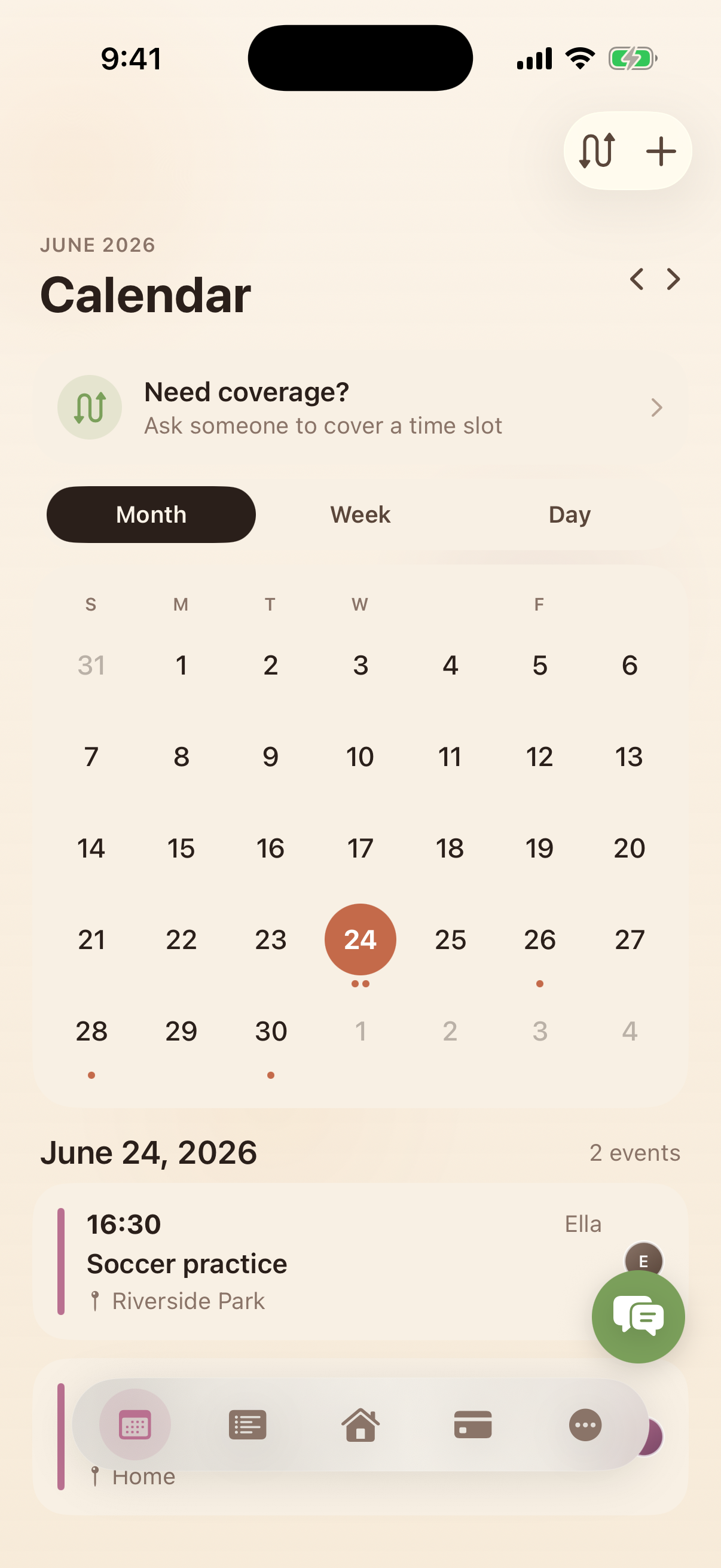
Kinrows stores your household calendar server-side, with parameterized, household-scoped storage, and syncs two ways with each person's own phone calendar — so an event lives in two places: the shared household calendar and each device's native calendar. That's a second copy by design, not a manual backup step. Kinrows can't promise data loss is impossible; no honest calendar app can. What the architecture does is avoid the single-point-of-failure pattern described above, where every copy of your events lived in one place that failed.
Frequently asked questions
Why did my calendar app delete all my events?
This is a documented failure mode for at least one popular app: TimeTree users have reported the app wiping entire calendars, including shared ones, sometimes without warning. It typically happens when an app stores events only in its own database with no independent copy elsewhere, so a sync error or server-side problem can take everything with it at once.
Can I recover events after a calendar app wipes my data?
Sometimes. Check your phone's own built-in calendar (if the app ever wrote events there directly), email confirmations for anything booked online, and any linked Google, iCloud, or Outlook account. These can hold surviving copies even when the app's own database is empty. Contacting the app's support team is also worth trying, though recovery isn't guaranteed.
Does two-way calendar sync protect me from this?
It substantially reduces the risk, because your events exist in two independent places — the app's shared calendar and your phone's own calendar — rather than one. It doesn't make data loss impossible in every scenario, but it removes the single point of failure where one app's database problem erases the only copy of your events.
How do I move to a new family calendar app without losing history?
Recover what you can from your phone's calendar, email confirmations, or a linked account before switching. Bring recurring events over manually if needed, then turn on two-way sync immediately in the new app so anything already on your phone's calendar populates the shared view without retyping everything.