
Questions
Do Family Calendar Apps Use My Data to Train AI?
It depends on the specific app, and the only way to know is to read its App Store privacy label and its actual privacy policy, not its marketing page. Look for the words "train," "model," or "machine learning" in the policy itself — an opt-out toggle in the app isn't the same thing as a policy that says data is never used for training. Some TimeTree reviewers say its AI features used their calendar data regardless of opting out, while TimeTree's current published policy states user information will not be used to train large language models. Kinrows' own policy is that it does not train AI models on household content.
What TimeTree reviewers are reporting
A cluster of TimeTree's own App Store reviewers describe a specific complaint about the app's AI rollout in 2026. One reviewer wrote, in a 1-star review titled "added AI": "i realized that the ai trains off your calendar data anyway. i'm deleting my account and moving to another app" (an App Store reviewer, App Store US, August 2026). Another, in a review titled "AI Ruined the App," wrote: "Another app forcing AI onto their users. Not only did nobody ask for this, but when you opt out of personalized ai features, it just doesn't save your preferences!" (an App Store reviewer, 1-star, App Store US, August 2026). These are reviewer accounts of their own experience, not an independent audit of TimeTree's systems.
What TimeTree's own published policy says
TimeTree's privacy policy, updated in January 2026, states that for users outside Japan and South Korea it is adding "the use of AI technologies, such as Large Language Models, to the purposes of use" in order to enable more personalized recommendations and action suggestions. On the specific question of training, the same update states plainly: "User information will not be used to train LLMs." The policy separately permits using AI models, including LLMs, to analyze account attributes and behavioral history for personalization — a different purpose than training a model on user content. It does not describe a dedicated opt-out for this AI use beyond a general right to withdraw consent, and the update itself asks users to reconfirm agreement to the policy to keep using the app.
That leaves a real gap between what some reviewers reported experiencing in mid-to-late 2026 and what the company's own current policy states. Neither this page nor Kinrows can independently verify which reflects TimeTree's actual practice; both are stated here with their source so you can judge for yourself.
Why an opt-out toggle isn't the same as a no-training policy
An in-app toggle labeled "opt out of AI" or "personalization" is a product setting, and product settings can have bugs, get reset by updates, or simply not cover every purpose described in the legal policy underneath them. A genuine no-training policy is a statement in the privacy policy itself — the document the company is legally bound by — saying user content is not used to train models, full stop. If a policy allows AI "analysis" of your data for one purpose but is silent on whether that data also feeds model training, an opt-out toggle for the first purpose won't necessarily touch the second.
How to check any app yourself
- Read the App Store's "App Privacy" section on the app's listing page, specifically any "Data Used to Train Machine Learning" or "Data Used to Improve the App" category Apple requires developers to disclose.
- Search the actual privacy policy for "train," "model," and "machine learning," not just "AI" — vague AI mentions without the word "train" often mean the policy hasn't committed to anything specific either way.
- Check whether the no-training language has a carve-out by region, user type, or feature — TimeTree's own policy, for example, applies its no-training statement to users outside Japan and South Korea specifically.
- Look for a stated stance on data sale and ad personalization alongside AI training — the two often travel together in how a company treats user data generally.
An AI add-on with a stated no-training policy
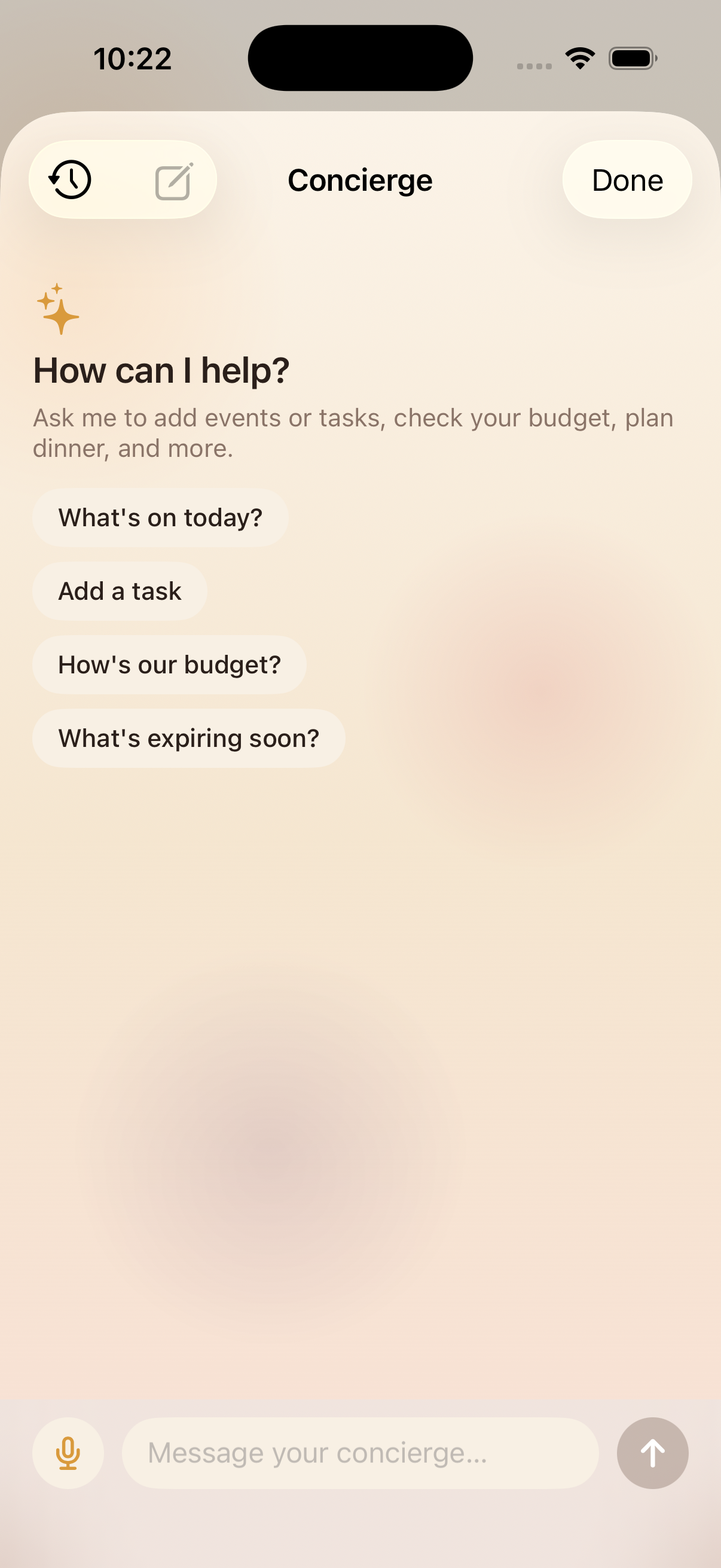
Kinrows' optional AI Concierge runs on top of the free household app, and Kinrows states plainly that it does not train AI models on household content, run ads, or sell data — the household's data is isolated at the database level, not just hidden in the interface. The Concierge's daily brief runs on-device on newer iPhones for anything that can be summarized privately and offline. This is a stated policy in Kinrows' own product documentation, presented here the same way TimeTree's policy is above, for you to weigh against any app you're considering.
Frequently asked questions
Do TimeTree's AI features train on my calendar data?
TimeTree's own privacy policy, updated January 2026, states user information will not be used to train LLMs for users outside Japan and South Korea. Separately, some of TimeTree's own App Store reviewers reported in 2026 that calendar data was used for AI purposes regardless of their opt-out choice. Both are documented here with sources; neither is independently verified against TimeTree's actual practice.
Does opting out of AI actually stop an app from using my data?
Not necessarily. An opt-out toggle is a product setting, not the underlying legal policy. Check the privacy policy itself for a specific no-training statement rather than trusting an in-app switch, since some TimeTree reviewers reported their opt-out preference didn't persist.
What's a family calendar app with a clear no-data-training policy?
Look for a stated policy, not just an AI opt-out toggle. Kinrows' own documentation states it does not train AI models on household content, does not run ads, and does not sell data — a policy stance rather than a feature you have to switch on.
What does "used to train AI" actually mean?
It means your content becomes part of the data a company uses to improve or build a machine learning model, which can affect other users' results later, not just yours. That's different from a company using AI to analyze your own data to give you a recommendation, which stays scoped to you.