
Questions
Is Skylight Calendar Worth It?
Skylight's hardware costs $170 to $630 depending on the model and buys an always-on wall or countertop display that reviewers credit with making shared family planning calmer, since no one has to open an app to see the week. Several of its most useful extras, including meal planning and chore rewards, sit behind an optional subscription reported around $79 a year. Whether it's worth it comes down to whether the ambient, always-visible display alone justifies the upfront hardware cost without the subscription, since the free hardware experience is more limited than the marketing suggests.
What you get from the hardware alone
Without a subscription, Skylight syncs Google, iCloud, Outlook, and Yahoo calendars to a wall-mounted or countertop touchscreen and displays family photos. For a household whose main problem is that no one looks at a shared calendar unless it's physically in front of them, that ambient visibility is a genuine, distinct benefit a phone app can't fully replicate — you don't have to remember to open anything.
What's locked behind the subscription
Meal planning and chore rewards, two of the features most associated with Skylight's marketing, require the optional roughly $79-a-year subscription on top of the hardware cost. One reviewer's frustration with the app side of that combination was direct: "Love the calendar itself but trying to manage it via the app is very frustrating... Don't see the value of paying for an annual subscription for such an inferior implementation" (an App Store reviewer, 2-star App Store review, 2026). Third-party reviews echo the same shape of complaint, describing how some of Skylight's most appealing extras, like meal planning and chore rewards, are locked behind an optional subscription.
Who the hardware cost makes sense for
The always-on display genuinely earns its cost for households where the core problem is adoption — young kids who can't check a phone, or a family where nobody consistently opens a calendar app on their own. Third-party reviewers consistently credit Skylight with centralizing multiple kids' schedules in one visible place, which is a real strength a phone-only setup has to work harder to replicate. For a household that's comfortable checking a shared app, the same core scheduling function is available without the upfront hardware spend.
What to compare it against
Before buying, it's worth pricing out what a phone-first shared calendar and chores setup costs instead — for many families, that's nothing beyond whatever app they choose, since the calendar and lists themselves don't require dedicated hardware. Weigh that against how much the always-visible display specifically matters for your household, since that ambient visibility is the one thing a phone app genuinely can't match.
The app side of the experience, separately from the hardware
It's worth separating the hardware's ambient display, which reviewers largely like, from the companion app used to manage it day to day, which draws more mixed reviews. One reviewer wrote of the app specifically that it was glitchy, with duplicate items appearing on screen, task-scheduling bugs, and a laggy interface (an App Store reviewer, 3-star, "Glitchy and not intuitive," App Store US, 2026). That distinction matters for the "worth it" question: you're not just buying the wall display, you're also committing to managing it through an app with its own separate track record.
The same planning function, no hardware required
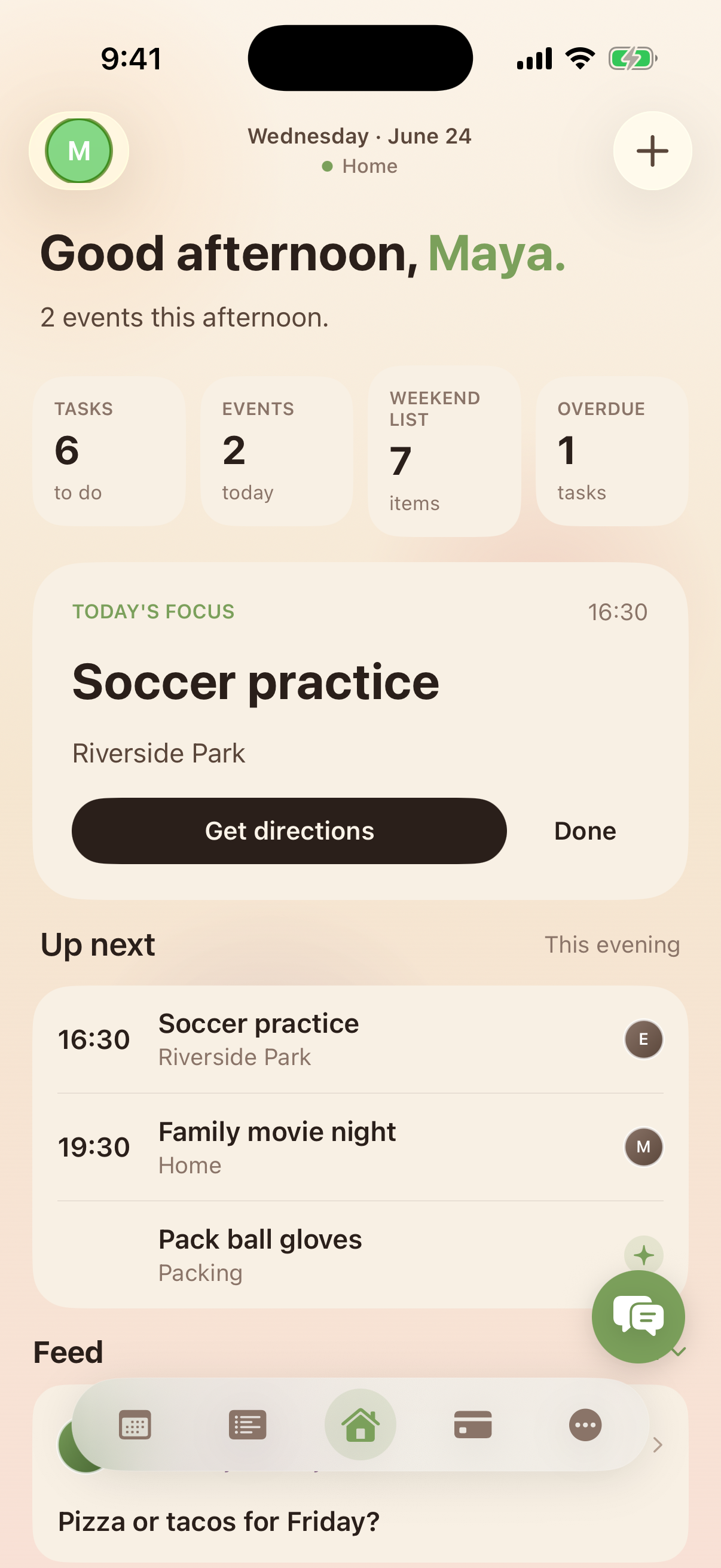
Kinrows delivers a shared household calendar with per-person colour coding, unlimited lists, and a chores program with a fixed weekly allowance and behaviour bonuses, all inside a free iPhone app with no hardware to buy. This is a genuinely different trade-off than Skylight, not a strictly better one: a phone app requires someone to open it, where a wall display doesn't. For households that don't need the always-on ambient display, it gets the same planning and chores functions without the $170-$630 upfront cost or the ongoing subscription.
Frequently asked questions
What does the Skylight subscription add that the hardware doesn't?
Per Skylight's own reviewers and third-party reviews, the roughly $79/year subscription unlocks meal planning and chore rewards on top of the base calendar and photo display that come with the hardware alone.
Is Skylight worth it without the subscription?
For a household mainly after an always-visible shared calendar and photo display, yes — that core function works on the hardware alone. If meal planning or chore rewards are the draw, those require the subscription, so factor that into the real cost before buying.
What's a cheaper alternative to Skylight?
A phone-first shared calendar and chores app, such as Kinrows, delivers the same underlying scheduling and chores functions without a hardware purchase, though it can't replicate an always-on wall display that doesn't require picking up a phone.